Minneapolis & the Twin Cities
Send a File
Ready to print? Share your project details and production-ready files. Our Minneapolis team will review your artwork and confirm the details of your print order.
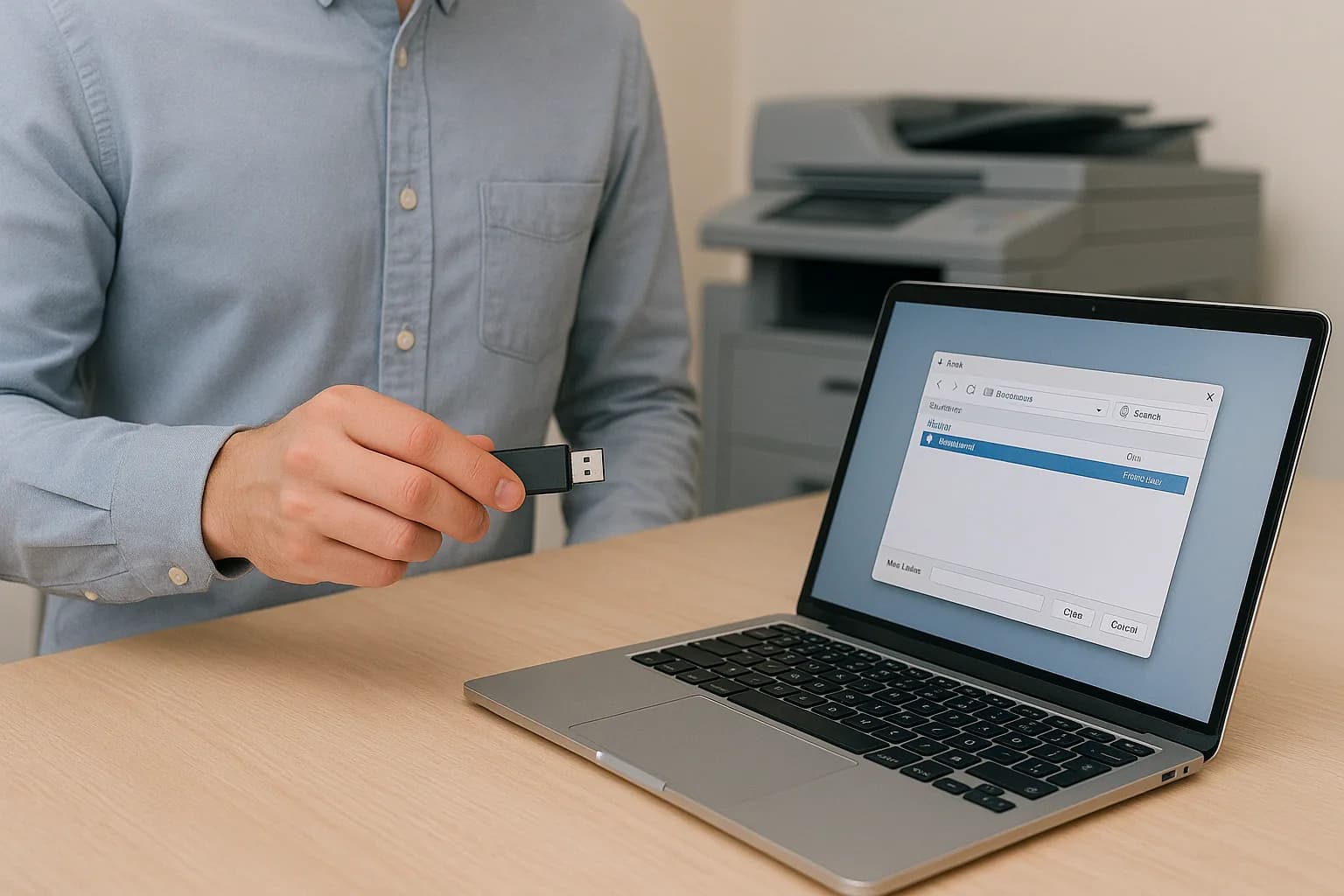
Your artwork. Your next print project.
Send your print files
Add your project name, quantity, requested due date, instructions, and contact information. Choose your representative and attach at least one file before submitting.
You can select multiple files, up to 1 GB each. The form packages your files into a ZIP and uploads them when you submit. Keep this page open until the submission confirmation appears.
What happens when you send a file
Send your artwork and project instructions together to our Minneapolis printing team.
Project Details Together
Your contact information, project specifications, and uploaded file link are sent in the same submission.
Review Before Sending
Check the file names, quantity, description, and requested due date before submitting.
Submission Confirmation
The form displays a confirmation after your files upload and your project details are submitted successfully.
Multiple Files
Choose all the files needed for your project. Each selected file can be up to 1 GB.
Clear Instructions
Use the project description to explain printing, finishing, delivery, and any changes from a previous order.
Automatic ZIP Packaging
The form packages the selected files into a ZIP during submission. You do not need to create a ZIP first.
Selecting files does not submit the form. Complete the required details and use the submit button to send the project.
Prepare your files for printing
These checks help our team review your artwork. Ask us about file setup requirements for your specific project.
Bleeds & Safe Margins
For common trimmed pieces, include 0.125 inch of bleed where artwork reaches the edge. Keep important text inside the trim area and confirm project-specific requirements with us.
Image Resolution
Use high-resolution images at the final print size. Ask our team about resolution requirements for large-format work.
Color Requirements
Tell us about brand colors or spot colors. Confirm the appropriate color setup for your project before exporting your artwork.
Fonts & Linked Artwork
Embed fonts in your PDF where permitted, or outline them when needed. Include linked images and other artwork required for the layout.
Final File Review
Check spelling, page order, dimensions, and the latest changes. Open the file to review it, and use a clear file name without special characters.
If you are unsure about your file setup, contact our team before sending your files.
Ready to send your files?
Review the project details and selected files, accept the terms, and submit the form. Keep the page open while the files are prepared and uploaded, then wait for the submission confirmation.